Amending call charges
To modify call charges for a specific dial code or destination, follow the steps below:
Log in to TIM Plus, click on the
Tariff editortab and select the tariff you want to amend from the drop-down list, as shown below: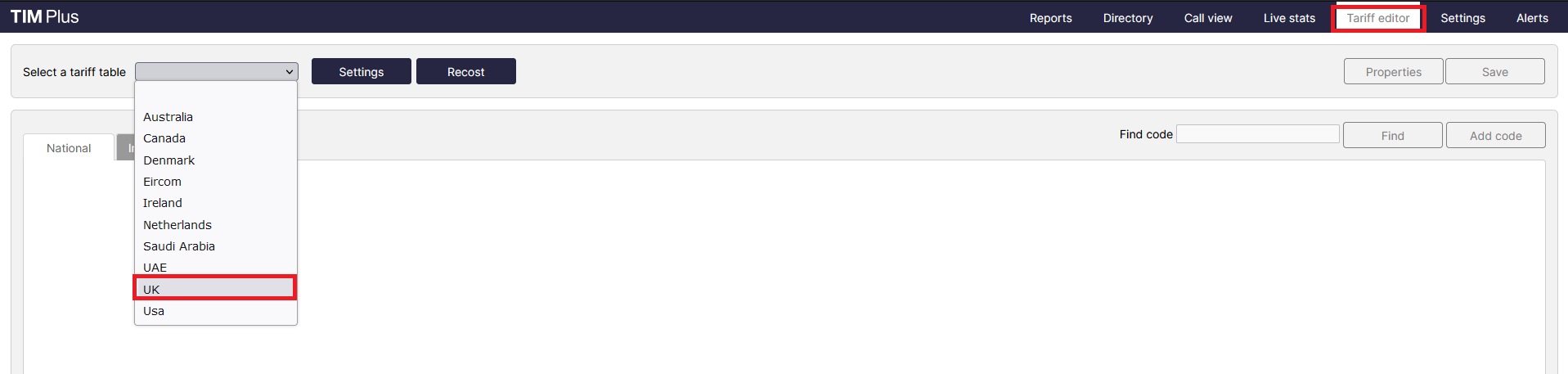
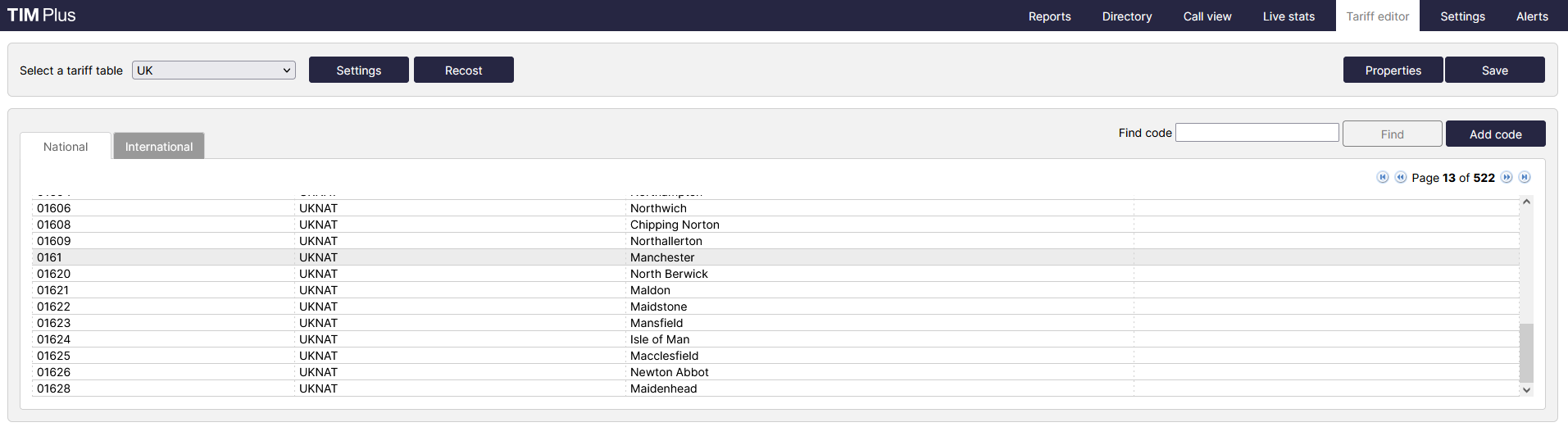
Locate the dial code for which you want to amend the charges, by entering the code in the search box provided.

The matching dial code will be highlighted in grey, showing its associated charge band and destination name.
Enter the name of the charge band in the Find band search box, as shown below:
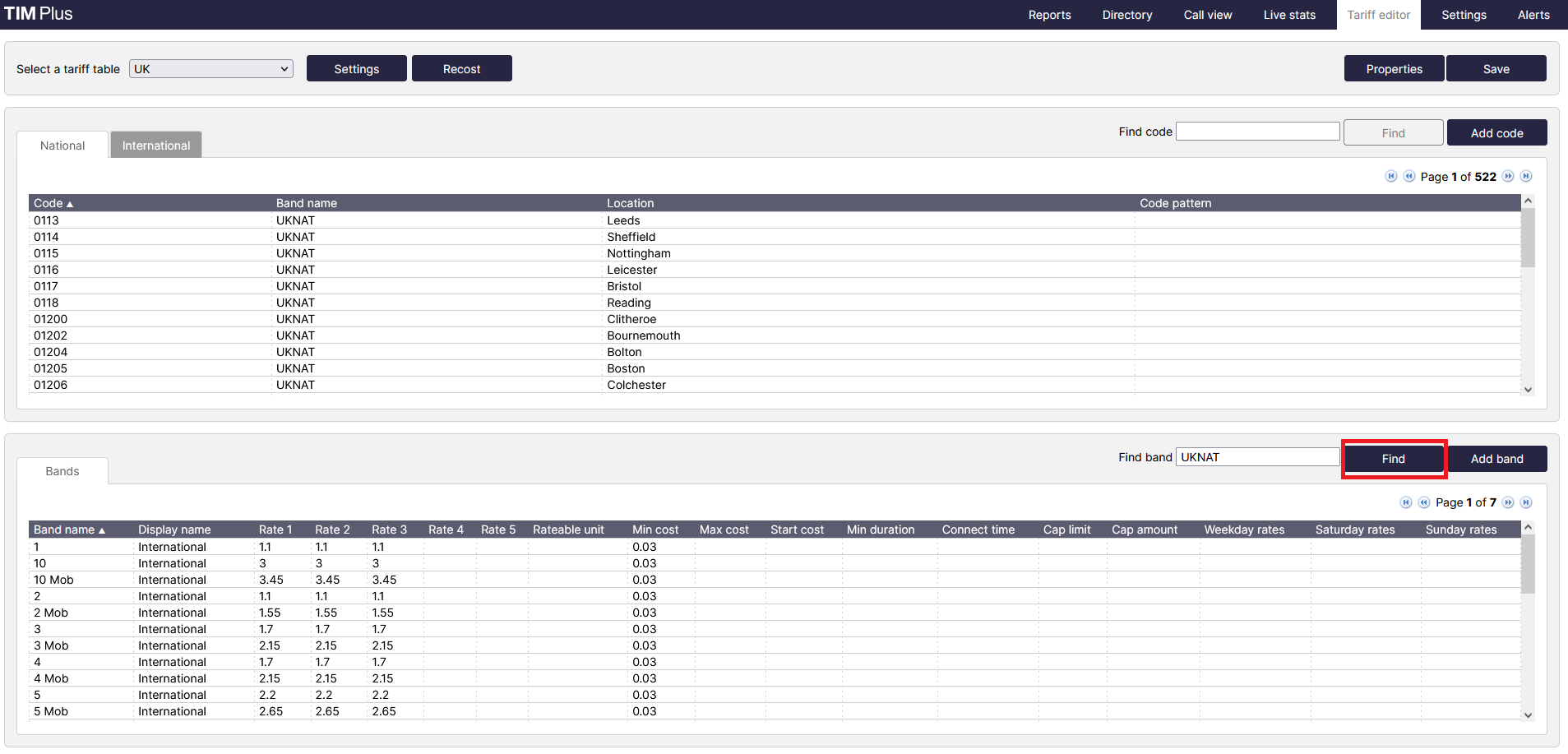
The matching band will show highlighted in grey, as shown below:
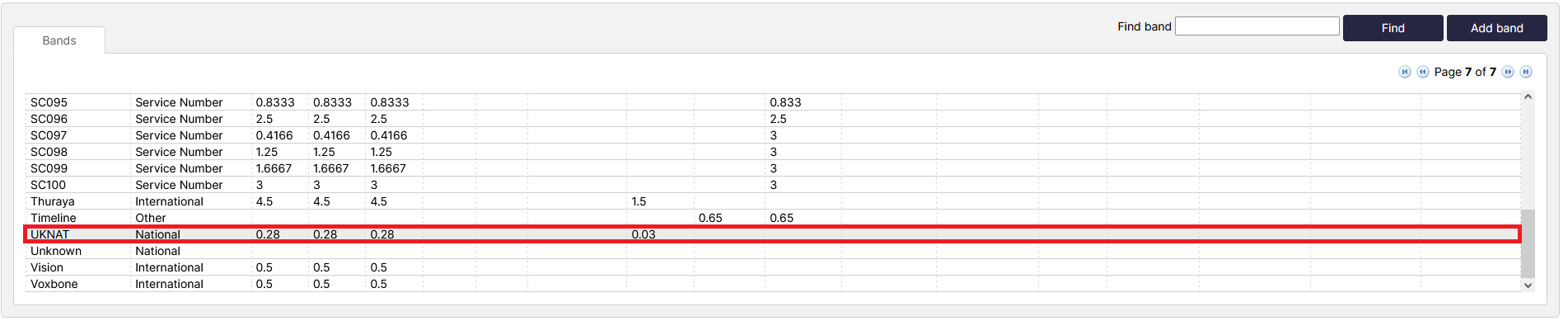
To configure the properties of the selected band, click on it to open the Band properties window.
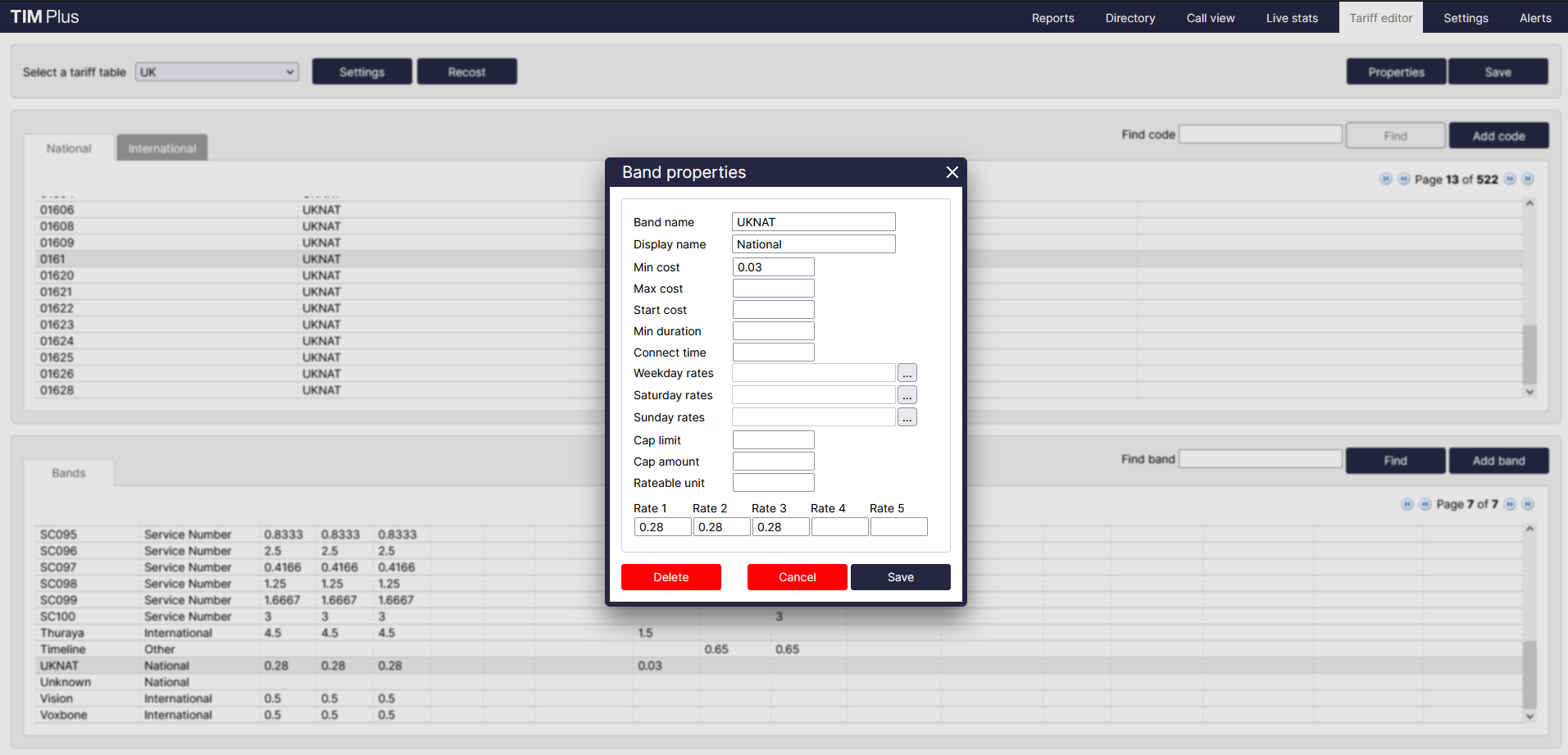
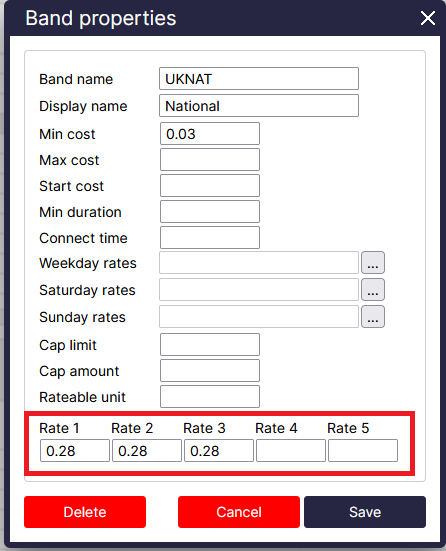
To change the existing charges, e.g. Rate 1, Rate 2, etc. enter the preferred values in the field provided.
To see how each rate is applied, click on the
...button.
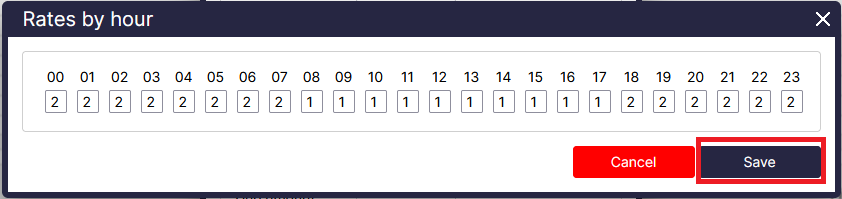
A new window will open, where you can edit the rate times. To apply any changes, click on the
OKbutton.